Microsoft Foundry Cross-Region with Private Endpoints (Part 1)
🎯 TL;DR: Deploy Microsoft Foundry Cross-Region with Private Endpoints
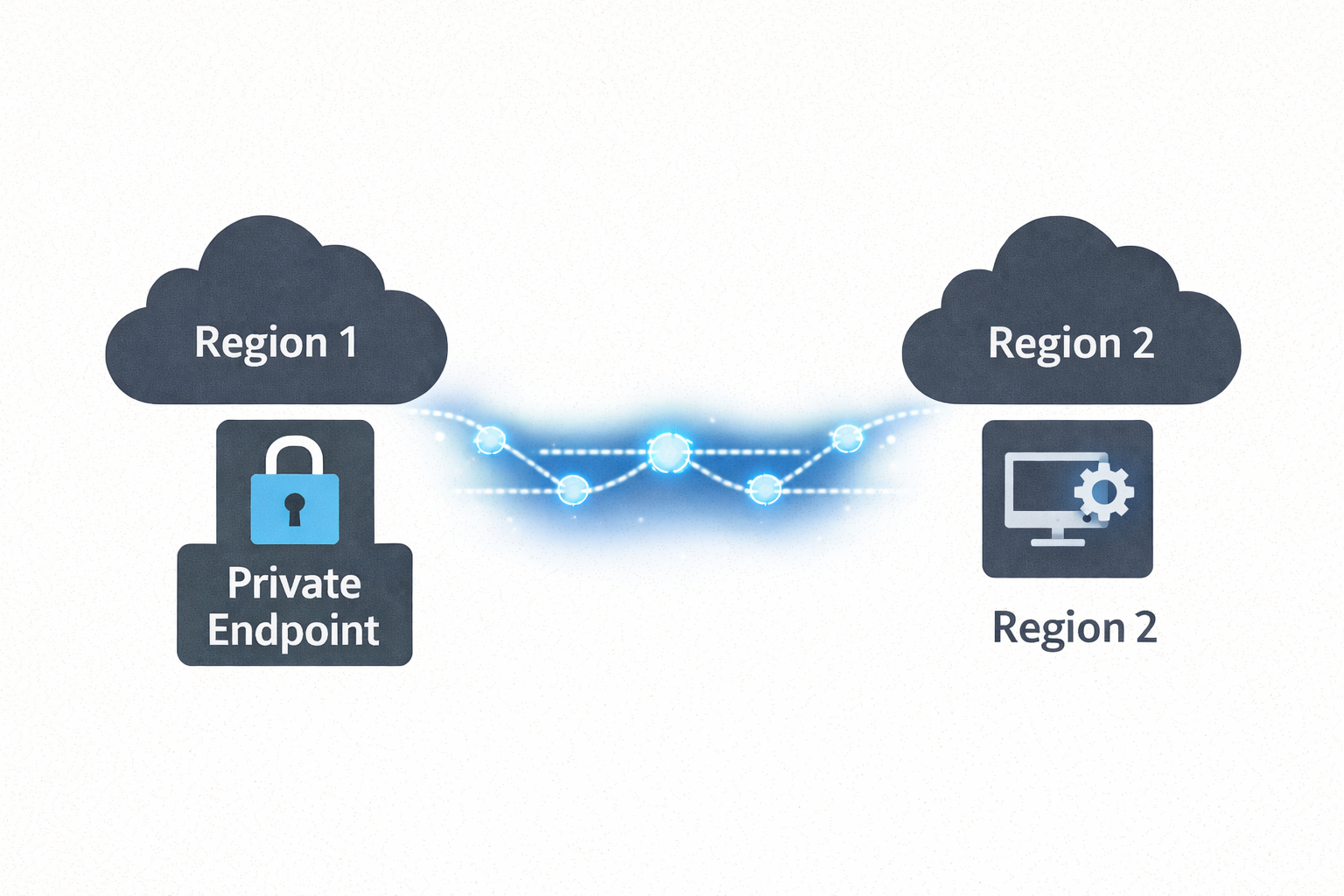
Microsoft Foundry isn’t available in every Azure region, but data residency requirements often mandate that all data at rest stays within specific regions. This post demonstrates how to keep your data in your compliant region (e.g., New Zealand North) while leveraging Microsoft Foundry in another region (e.g., Australia East) purely for AI inferencing. Using cross-region Private Endpoints over Azure’s backbone network, applications securely access Foundry’s AI capabilities without data traversing the public internet—maintaining both regional compliance and zero-trust security posture.
The Solution: All data at rest, applications, and Private Endpoints remain in NZN. Microsoft Foundry deployed in AUE provides AI inferencing only. Private connectivity ensures secure, compliant architecture across regions.
When deploying Microsoft Foundry (formerly Azure AI Foundry) in enterprise environments, you’ll face a critical constraint: Microsoft Foundry isn’t available in every Azure region, yet data residency requirements mandate that all data at rest remains within specific regions.
Imagine this scenario: Your organization must keep all data in New Zealand North due to regulatory compliance, but Microsoft Foundry is only available in Australia East. You can’t move data to AUE, but you need Foundry’s AI capabilities. How do you maintain compliance while accessing AI inferencing services?
The solution is architectural: Keep all data at rest in your compliant region (NZN) and use Microsoft Foundry in the available region (AUE) purely for AI inferencing. By deploying cross-region Private Endpoints, applications in NZN securely access Foundry’s AI services over Azure’s backbone network—no public internet, no data residency violations, no compromises.
This guide walks through the complete architecture, DNS configuration, security considerations, and implementation steps for deploying this cross-region private endpoint pattern.
⚠️ Important: Foundry Agents Service Limitation
If you plan to use the Foundry Agents service specifically, there is a known limitation at the time of writing: all Foundry workspace resources (Cosmos DB, Storage Account, AI Search, Foundry Account, Project, Managed Identity, Azure OpenAI, or other Foundry resources used for model deployments) must be deployed in the same region as the VNet.
This means the cross-region pattern described in this post will not work for Foundry Agents deployments—you would need to deploy everything in the same region (e.g., all resources in Australia East where Foundry is available).
However, if you are NOT using the Foundry Agents service (i.e., you’re only using Foundry for AI inferencing via API calls—OpenAI models, Speech Services, Vision, etc.), then the cross-region private endpoint pattern works perfectly, and all your data can reside in your chosen compliant region as described in this post.
For more details, see Microsoft Learn - Virtual Networks with Foundry Agents - Known Limitations
flowchart TB
    subgraph azure["☁️ Azure Backbone"]
        direction TB
        subgraph NZN["🌏 NZN - Data Residency Region"]
            direction TB
            subgraph vnet["VNet:  10.1.0.0/16"]
                subgraph appsnet["Subnet: snet-apps • 10.1.1.0/24"]
                    client[👤 Client App / VM
10.1.1.10]
                    data[(💾 Data at Rest
Storage, SQL, etc.)]
                end
                subgraph pesnet["Subnet: snet • 10.1.2.0/24"]
                    pe[🔒 Private Endpoint
10.1.2.4]
                end
            end
            dns[🔐 Private DNS Zones
Resolves to Private IP]
        end

        subgraph AUE["🌏 AUE - AI Inferencing"]
            foundry[[🤖 Microsoft Foundry
myFoundry. cognitiveservices.azure.com]]
        end

        pe ==>|"🔐 Private Link
"| foundry
    end

    internet[/"🌐 Public Internet
❌ Blocked"/]

    client --> dns
    dns -.->|10.1.2.4| pe
    client -->|HTTPS| pe

    foundry -.-x internet

    style azure fill:#f5f5f5,stroke:#666,stroke-width:2px,stroke-dasharray: 5 5
    style NZN fill:#e3f2fd,stroke:#1976d2,stroke-width:3px
    style AUE fill:#e8f5e9,stroke:#388e3c,stroke-width:3px
    style internet fill:#ffebee,stroke:#c62828,stroke-width:2px
    style vnet fill:#e1f5fe,stroke:#0288d1,stroke-width: 2px
    style dns fill:#f3e5f5,stroke:#7b1fa2,stroke-width:2px
    style pe fill:#fff3e0,stroke:#ef6c00,stroke-width:3px
    style data fill:#e8f5e9,stroke:#388e3c,stroke-width:2px