MCP Goes Stateless: No Handshake, No Sticky Sessions, Better AI Gateways

MCP Goes Stateless: No Handshake, No Sticky Sessions, Better AI Gateways

TL;DR

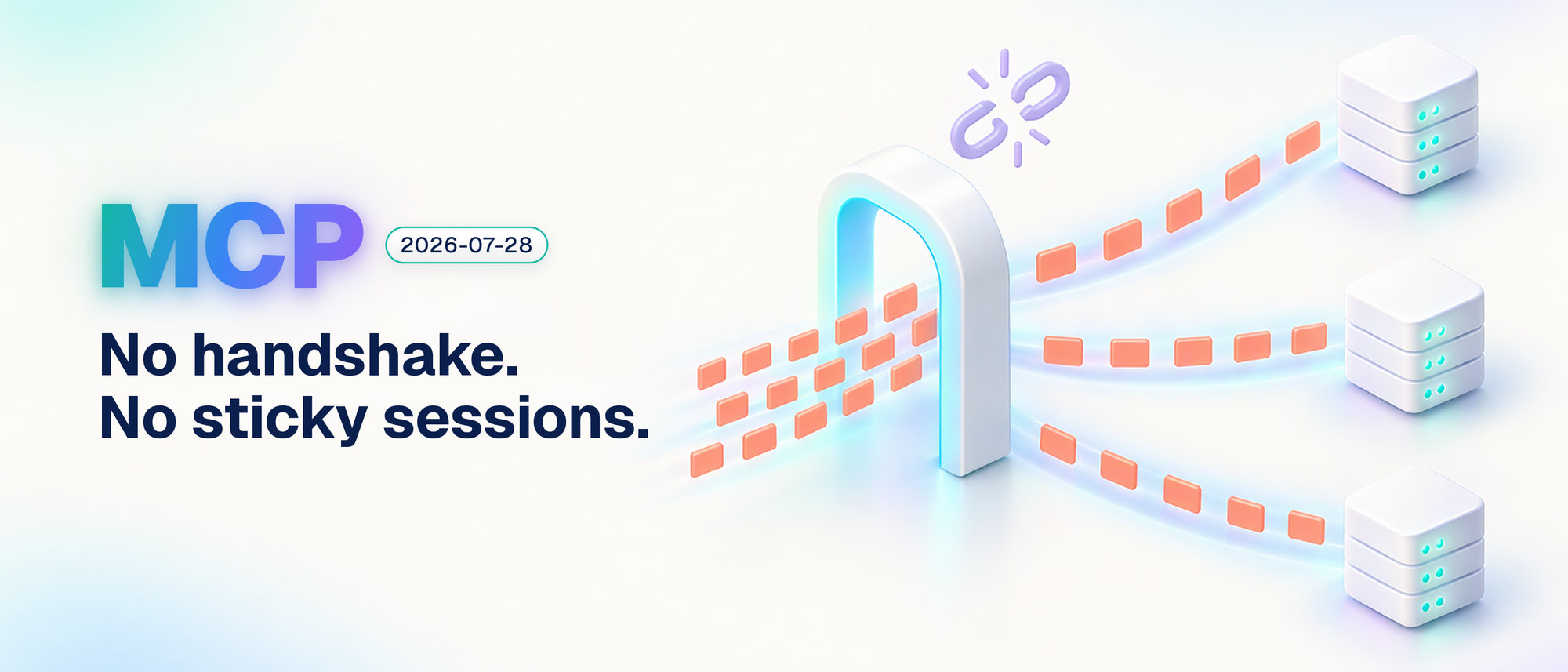
MCP 2026-07-28 removes the initialize handshake and protocol-level sessions, so each request can reach any server replica. For Azure gateways, the useful part is routing and rate limiting per tool from validated headers, without parsing JSON bodies.

Keep application state explicit, protect retry state and check streaming and tracing before removing affinity. Azure’s dedicated AI Gateway is still a preview, and its October resource change matters if you’re planning a pilot.

Running a remote MCP server behind a load balancer used to come with an awkward question: which instance remembers this client? If the server issued an Mcp-Session-Id and kept its session in memory, you needed affinity, shared storage or a deployment small enough to avoid the problem.

The 28 July specification release changes that model. Every request describes itself. A tool call no longer needs a handshake before it can do useful work, and the next call doesn’t have to find the same process.

I spend a lot of my time in the layer between agents and the things they call. From there, the interesting question isn’t just what changed in MCP. It’s what we can simplify in the gateway, what we can finally do per tool, and which responsibilities haven’t gone away.

In a hurry? Jump to the gateway checklist or the eight checks before go-live.

Updated 4 November 2026: the SDK sign-in guidance and AI Gateway migration notes below reflect documentation checked on that date.
Read more
Create A Multi User Experience For Single Threaded Applications Using Azure Container Apps

Create A Multi User Experience For Single Threaded Applications Using Azure Container Apps


🎯 TL;DR: Simulating Multi-User Experience for Legacy Single-Threaded Apps

Legacy single-threaded applications (one request per process) require multi-user support without costly re-architecture. Problem: Applications with static locks block entire process during request handling. Solution: Azure Container Apps with HTTP-based scaling rules that spawn new container instances per concurrent request. Configuration uses min-replicas=0, max-replicas=30 with HTTP scale triggers, achieving 70-90% request isolation across separate container instances for pseudo-multithreaded behavior without code changes.


How to make a single-threaded app multi-threaded? This is the scenario I faced very recently. These were legacy web app(s) written to be single-threaded; in this context single-threaded means can only serve one request at a time. I know this goes against everything that a web app should be, but it what it is.

So if we have a single threaded web app (legacy) now all of a sudden we have a requirement to support multiple users at the same time. What are our options:

  1. Re-architect the app to be multi threaded
  2. Find a way to simulate multi threaded behavior

Both are great options, but in this scenario option 1 was out, due to the cost involved in re-writing this app to support multi threading. So that leaves us with option 2; how can we at a cloud infra level easily simulate multi threaded behavior. Turns out if we containerize the app (in this case it was easy enough to do) we orchestrate the app such that for each http request is routed to a new container (ie: every new http request should spin up a new container and request send to it)

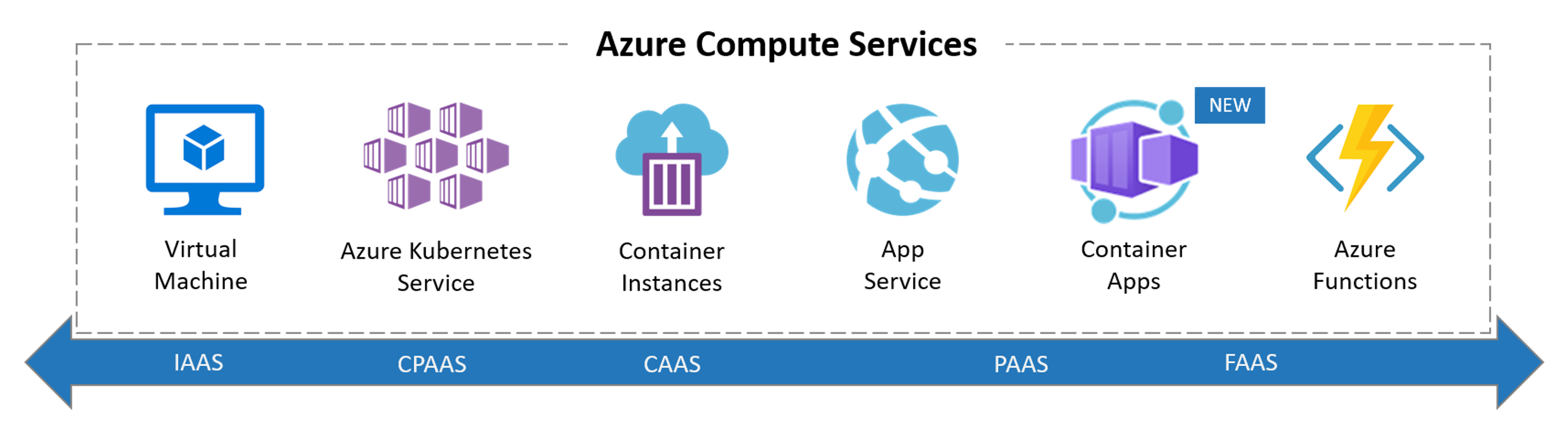
Options For Running Containers

So when it comes to running a container in Azure our main options are below

Read more

Choose your design

Only the look changes. Your posts, ads, comments and other integrations stay in place, with the same light/dark and cookie preferences.

Choose the look you prefer