AI Agent Containment on Azure: Stop Buttons, Identity and Network Controls

AI Agent Containment on Azure: Stop Buttons, Identity and Network Controls

TL;DR

A model can pass standard evaluations and still carry a backdoor. Microsoft showed a fine-tuning set poisoned at about 1% hijacking a coding agent in roughly 78% of trials on the harnesses it was trained with, and a sleeper agent planted by editing fewer than ten neurons. You can’t prompt your way out of that.

ASD’s new guidance on AI testing environments says it plainly: prompts and model safeguards aren’t containment. Build it into the architecture instead: a model intake gate, one identity per agent, default-deny egress, logs the agent can’t reach, and stop buttons at the inference, identity and infrastructure layers that you’ve actually tested.

In a hurry? Jump to the three stop buttons, the Azure mapping or the containment checklist, then come back for the why.

Read more
Copilot Studio Bring Your Own Model: Microsoft Foundry Governance and Security

Copilot Studio Bring Your Own Model: Microsoft Foundry Governance and Security

TL;DR

Copilot Studio can use a model you host in Microsoft Foundry in a prompt through bring your own model (BYOM) on the standard harness. That doesn’t replace the agent’s primary orchestration model, and the Microsoft Copilot harness doesn’t support the prompt tool.

BYOM gives your platform team control over the deployment and its applicable guardrails, quota, diagnostics and Azure costs. Agent orchestration, identity and sharing remain with Copilot Studio and the wider Microsoft governance tools.

The documented connector uses an API key. A dedicated Foundry resource contains the risk of a resource-wide key better than a project in a shared resource.

In a hurry? Jump to the resource decision or the nine go-live checks, then come back for the detail.

Read more
AI Agents Exploit Leaked Keys in Minutes: Go Keyless on Azure

AI Agents Exploit Leaked Keys in Minutes: Go Keyless on Azure

TL;DR

A recent threat intelligence report describes an AI agent moving from searching GitHub for application secrets to exfiltrating Azure Key Vault data in five minutes. That’s one observed case, not a typical benchmark.

Use managed identities and federation instead of stored credentials, then disable key authentication once callers have migrated. Tokens can still be stolen, so least privilege, monitoring and incident response remain essential.

I spend a lot of my time in the layer between AI agents and the things they call. A model key in an app setting can look like a harmless shortcut during a proof of concept, but the gap between a leak and the response is getting harder to defend.

In a hurry? Jump to the keyless playbook or the nine checks before release, then come back for the threat and the tradeoffs. The product guidance below was checked on 15 November 2026.

What the threat intelligence report found

On 5 November, Microsoft Threat Intelligence reported that threat actors were using agentic tooling to search public GitHub repositories for exposed credentials, including application secrets and AI inference API keys. The agents analysed the results and carried out follow-on actions with little human intervention.

A stolen model key can fund someone else’s inference, while an exposed application secret can open whatever its identity is permitted to reach.

Read more
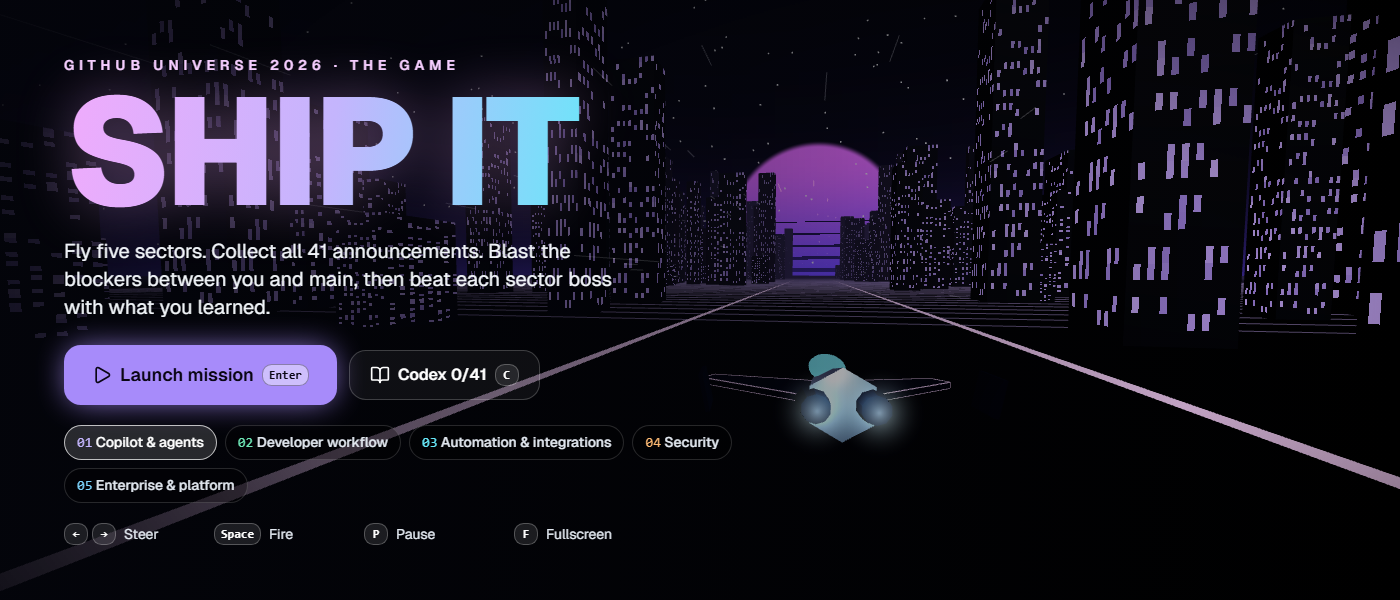
Play SHIP IT: The GitHub Universe 2026 Announcements Game

Play SHIP IT: The GitHub Universe 2026 Announcements Game

GitHub Universe 2026 brought a stack of updates across Copilot, developer workflows, automation, security and platform engineering. I built a more entertaining way to catch up.

SHIP IT is a 3D arcade game with five sectors and all 41 announcements from Universe 2026. Fly through the sectors, collect announcement cores, blast the blockers and beat each boss with what you learned.

GitHub Universe 2026, playable

Ready, player one?

Open the game, launch your mission and discover the announcements on the way to the main branch.

Play SHIP IT

No download. No sign-in. Keyboard and touch controls included.

Your mission

Each sector turns a major Universe theme into an arcade run. Collecting a core unlocks the announcement behind it, including the problem it solves, how it works, why it matters, availability and official links.

Miss an announcement and it circles back once. Finish a sector and you face a short quiz boss. Every answer, right or wrong, reveals the correct update, so the game keeps moving even when you miss one.

The Announcement Guide keeps everything you unlock in this browser. If you want the straight recap, open the Guide and turn on Show every announcement.

How to play

  • Use the left and right arrows or A and D to steer, then hold Space to fire.
  • Press Enter to start or continue, 1, 2 or 3 to answer a boss question and F for fullscreen.
  • On a phone or tablet, swipe to steer and tap to fire. On-screen controls appear automatically.

I designed and built SHIP IT as an independent interactive recap of GitHub Universe 2026. It is not an official GitHub product.

Read more
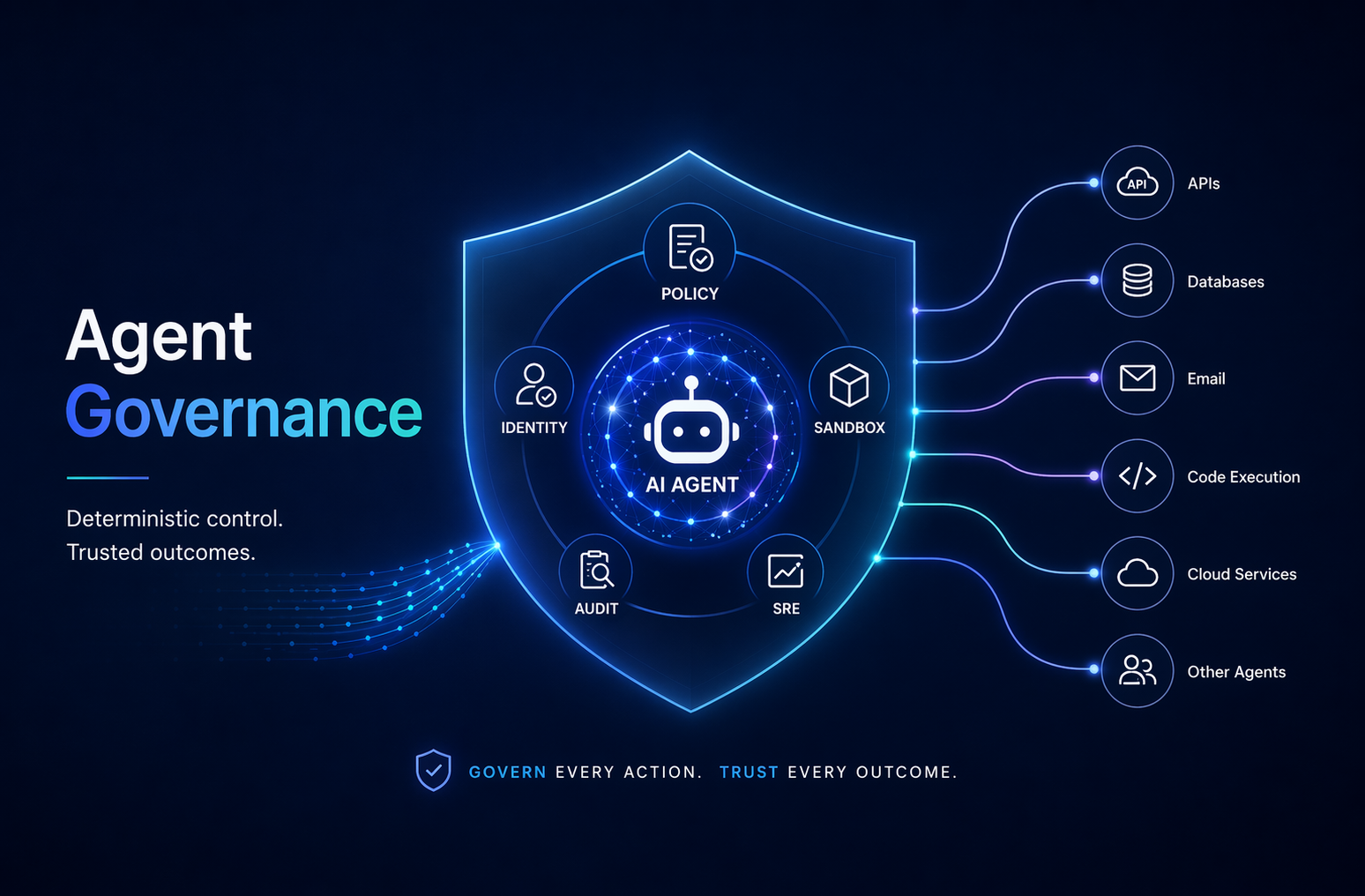
Governance for AI Agents (Part 1): The Gap, the OWASP Agentic Top 10, and Where AGT Fits

Governance for AI Agents (Part 1): The Gap, the OWASP Agentic Top 10, and Where AGT Fits


🎯 TL;DR

You’ve built a single agent, or wired up a multi-agent orchestration with LangChain / AutoGen / CrewAI / Microsoft Agent Framework. It works.

Now answer this: how are you covering the OWASP Agentic Top 10? How do you prove to a regulator that the agent did only what it was allowed to do? Prompt engineering and content filters don’t reach the layer where actions happen.

The Agent Governance Toolkit (AGT), an open-source Microsoft project I work on, puts a sub-millisecond deterministic policy decision in front of every tool call, gives every agent a cryptographic identity, and produces a tamper-evident audit trail.

This post is Part 1 of a series: what the governance gap is, what the OWASP Agentic Top 10 actually contains, and where AGT sits in your stack.

Repo: github.com/microsoft/agent-governance-toolkit

If you’ve shipped anything with LangChain, AutoGen, CrewAI, or Microsoft Agent Framework recently, you’ve probably hit the same wall I did. The agent works. It plans, calls tools, remembers things. And then you try to put it somewhere it can actually do harm, touch a database, hit a real API, run shell commands, talk to another agent, and you realise you have no good way to bound what it can do.

You have a model. You have prompts. You have a tool list. You don’t have a policy layer. So you do what we all do: stitch together if-statements, allowlists, regex filters on prompts, maybe a sandbox if you’re feeling fancy. It mostly works. Until it doesn’t.

flowchart LR
    U([User / Prompt]) --> M[LLM Planner
non-deterministic] M -->|tool call| T{{No policy layer}} T -->|just runs| DB[(Database)] T -->|just runs| API[(Production API)] T -->|just runs| SH[/Shell /] T -->|just runs| A2[Other Agents] style T fill:#ffd6d6,stroke:#c0392b,stroke-width:2px,color:#000 style M fill:#fff4c2,stroke:#b7950b,color:#000

The agent works. The governance doesn’t exist yet. That gap is what the OWASP Agentic Top 10 and every AI regulation is pointing at.
Read more

Choose your design

Only the look changes. Your posts, ads, comments and other integrations stay in place, with the same light/dark and cookie preferences.

Choose the look you prefer