GitHub Copilot CLI vs Local vs Cloud: Agents Explained (2026)

GitHub Copilot CLI vs Local vs Cloud: Agents Explained (2026)

TL;DR

The four agent types I described in January are no longer the right map for VS Code. Choose a harness, where the session runs and a model, then set the role and permissions.

The Copilot harness is now the default. It shares a runtime with other Copilot products and runs through the Agent Host, so a session can outlive its editor window, but not a stopped host.

Cloud sandboxes let work continue without your laptop. Under GitHub AI Credit billing, sub-agents consume tokens at their own models’ rates, so context isolation is still useful, but it isn’t free.

Comparing GitHub Copilot CLI vs Local vs cloud? They aren’t three equivalent agent types. Copilot CLI is a terminal interface, Local is a VS Code harness, and cloud describes where the agent’s tools run. The Copilot SDK is the programmable way to embed the Copilot runtime in your own application, not another execution location.

This is Part 2 of my GitHub Copilot agents guide: the current comparison, including what changed since the original four types.

In a hurry? Jump to the updated decision guide, then come back for the architecture and the money bit.

Ten months is a long time in agent land

When Part 1 went out on 10 January, I split GitHub Copilot agents into Local, Background, Cloud and Sub-agents. It was a useful way to explain the workflows, but it mixed together where an agent ran, how you interacted with it and how it delegated.

Since then, VS Code has moved to weekly releases, GitHub has rebuilt Copilot billing, and the old boxes have stopped lining up with the controls in front of us.

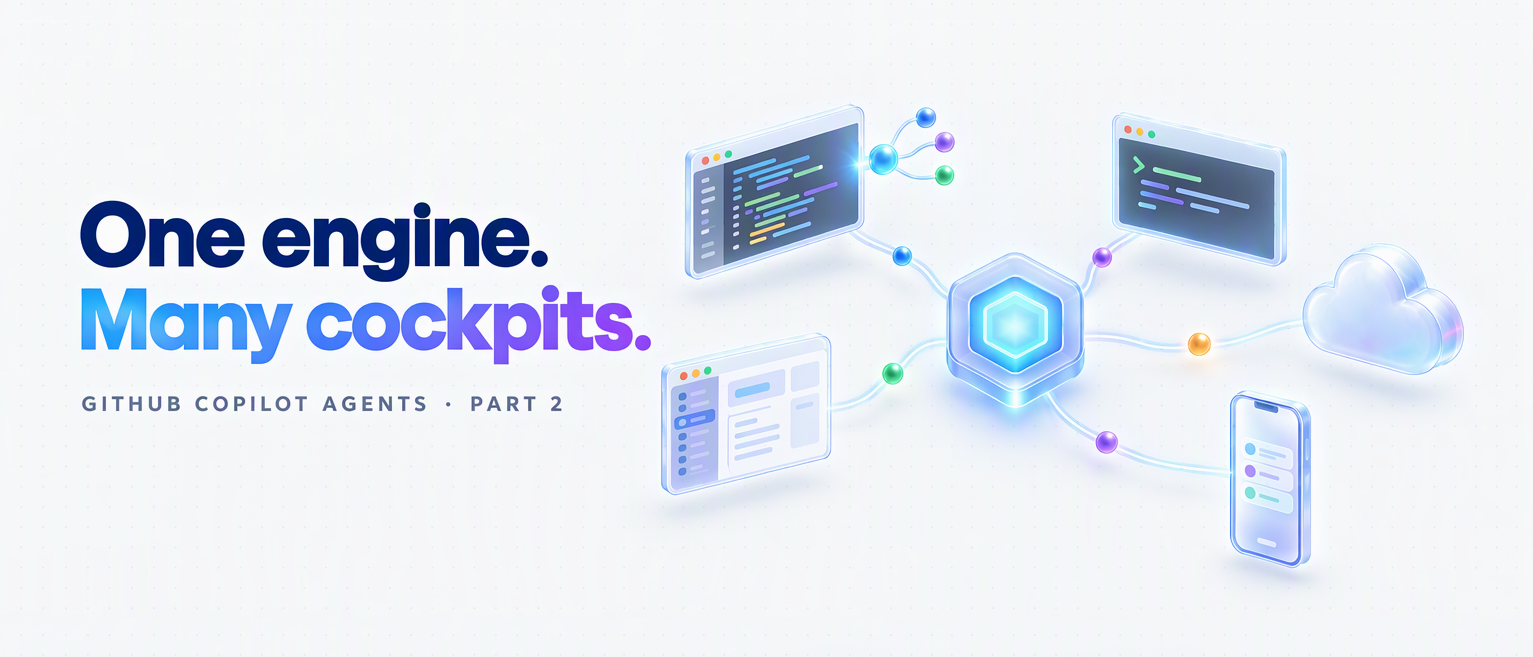
The better mental model is one Copilot engine with many cockpits, alongside other providers’ harnesses. This post is a November 2026 snapshot, checked against the primary sources on 3 November, covering VS Code 1.144 and GitHub’s 28 October cloud rollout.
Read more
The Four Types of GitHub Copilot Agents: Local, Background, Cloud, and Sub-Agents Explained

The Four Types of GitHub Copilot Agents: Local, Background, Cloud, and Sub-Agents Explained

Update (November 2026): this post is now out of date

A lot has changed since January. The "four agent types" model below no longer matches VS Code: you now choose a harness (Copilot, Local, Claude or Codex), where it runs and a model. Local and Background workflows have converged on the new default Copilot harness. The coding agent is now Copilot cloud agent, and the newer cloud experience defaults to a managed sandbox where that choice is offered.

Copilot moved to GitHub AI Credits on 1 June 2026. Under usage-based billing, sub-agent model calls are metered too, so they are no longer "effectively free". Some existing annual plans remain on legacy billing until they end.

Read Part 2: GitHub Copilot CLI vs Local vs Cloud: Agents Explained (2026)

I've left the original below as a January 2026 snapshot, with short notes where something has changed or needed correcting.


🎯 TL;DR: Four Agent Types, Four Different Workflows

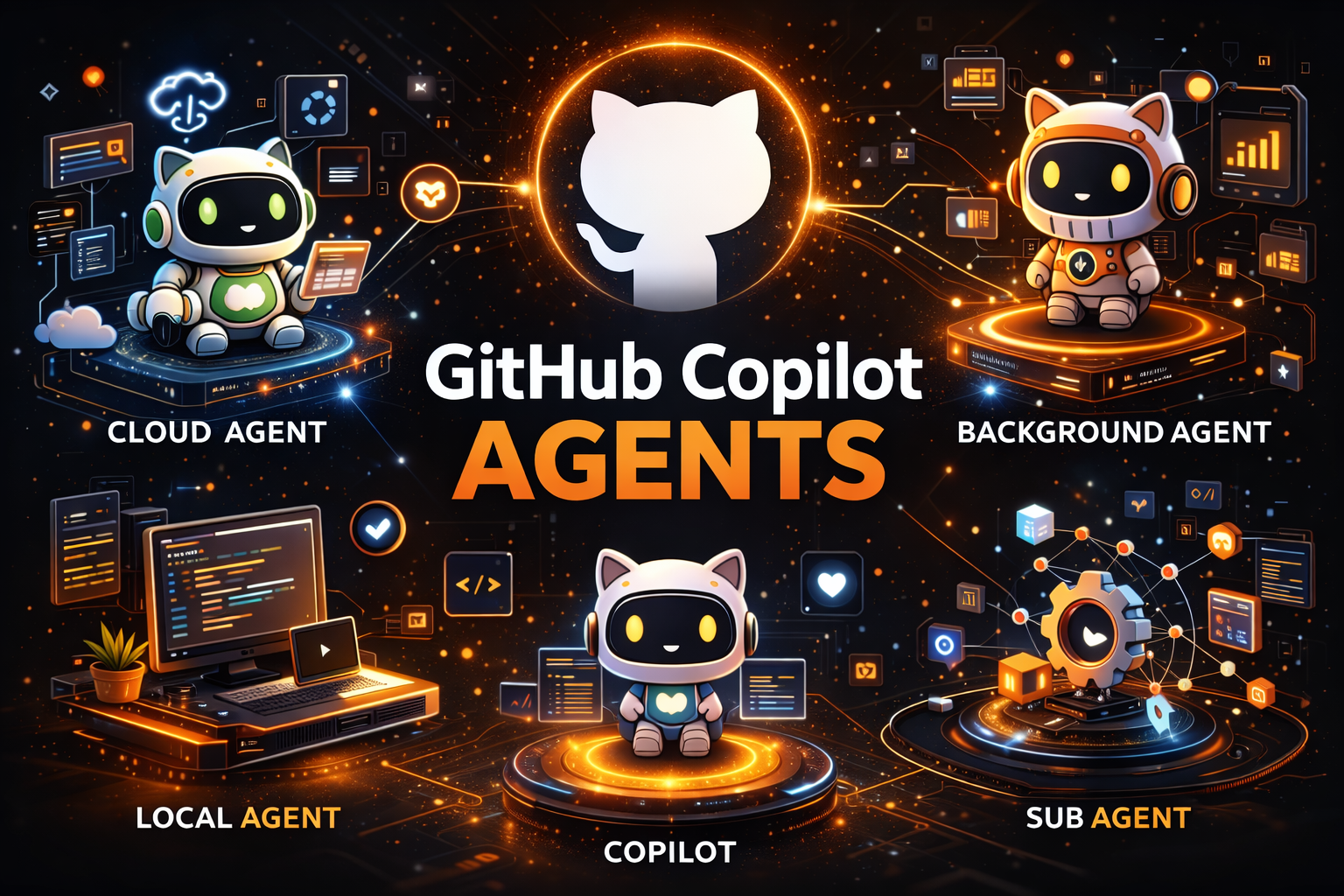
GitHub Copilot in VS Code now supports four distinct agent types, each designed for different workflows and levels of autonomy. Local Agent is your interactive coding partner, running in VS Code with full access to all your tools, MCP servers, and three personas (Agent, Plan, Ask). Coding Agent (Cloud) runs on GitHub’s cloud infrastructure via Actions runners, works fully autonomously on issues, and creates PRs while you’re away. Background Agent (Copilot CLI) runs locally but outside the VS Code process; it survives restarts, supports parallel sessions, and can hand off work to cloud agents with /delegate. Sub-Agents are the secret weapon for context management, running as isolated subtasks within a parent agent session, keeping the main agent’s context window clean while handling research, analysis, or parallel tasks.

Key insight: If you’re using a 1x premium model like Claude Sonnet 4, sub-agent calls are effectively free, making them the most cost-efficient way to scale complex multi-step workflows without burning through your premium request budget.

No longer true under AI Credit billing (November 2026): Copilot moved to usage-based billing on 1 June, and sub-agent model calls consume credits too. Claude Sonnet 4 was retired on 6 May. Part 2 explains the current costs and legacy annual-plan exceptions.


GitHub Copilot has evolved far beyond simple code completions. With agent mode in VS Code, developers gained an autonomous coding assistant that could plan, execute, and iterate on complex tasks. But as workflows grew more sophisticated, a single agent type wasn’t enough to cover every scenario, from quick interactive debugging to full autonomous issue resolution that runs while you sleep.

Today, GitHub Copilot in VS Code supports four distinct agent types, each optimized for different workflows, contexts, and levels of autonomy. Understanding when to use each one, and how they interact, is the difference between fighting your tools and having them work seamlessly for you.

Read more

Choose your design

Only the look changes. Your posts, ads, comments and other integrations stay in place, with the same light/dark and cookie preferences.

Choose the look you prefer