GitHub Copilot Agents Part 2: Harnesses, the Agent Host, Cloud Sandboxes and AI Credits Explained
TL;DR
The four agent types I described in January are no longer the right map for VS Code. Choose a harness, where the session runs and a model, then set the role and permissions.
The Copilot harness is now the default. It shares a runtime with other Copilot products and runs through the Agent Host, so a session can outlive its editor window, but not a stopped host.
Cloud sandboxes let work continue without your laptop. Under GitHub AI Credit billing, sub-agents consume tokens at their own models’ rates, so context isolation is still useful, but it isn’t free.
In a hurry? Jump to the updated decision guide, then come back for the architecture and the money bit.
Ten months is a long time in agent land
When Part 1 went out on 10 January, I split GitHub Copilot agents into Local, Background, Cloud and Sub-agents. It was a useful way to explain the workflows, but it mixed together where an agent ran, how you interacted with it and how it delegated.
Since then, VS Code has moved to weekly releases, GitHub has rebuilt Copilot billing, and the old boxes have stopped lining up with the controls in front of us.
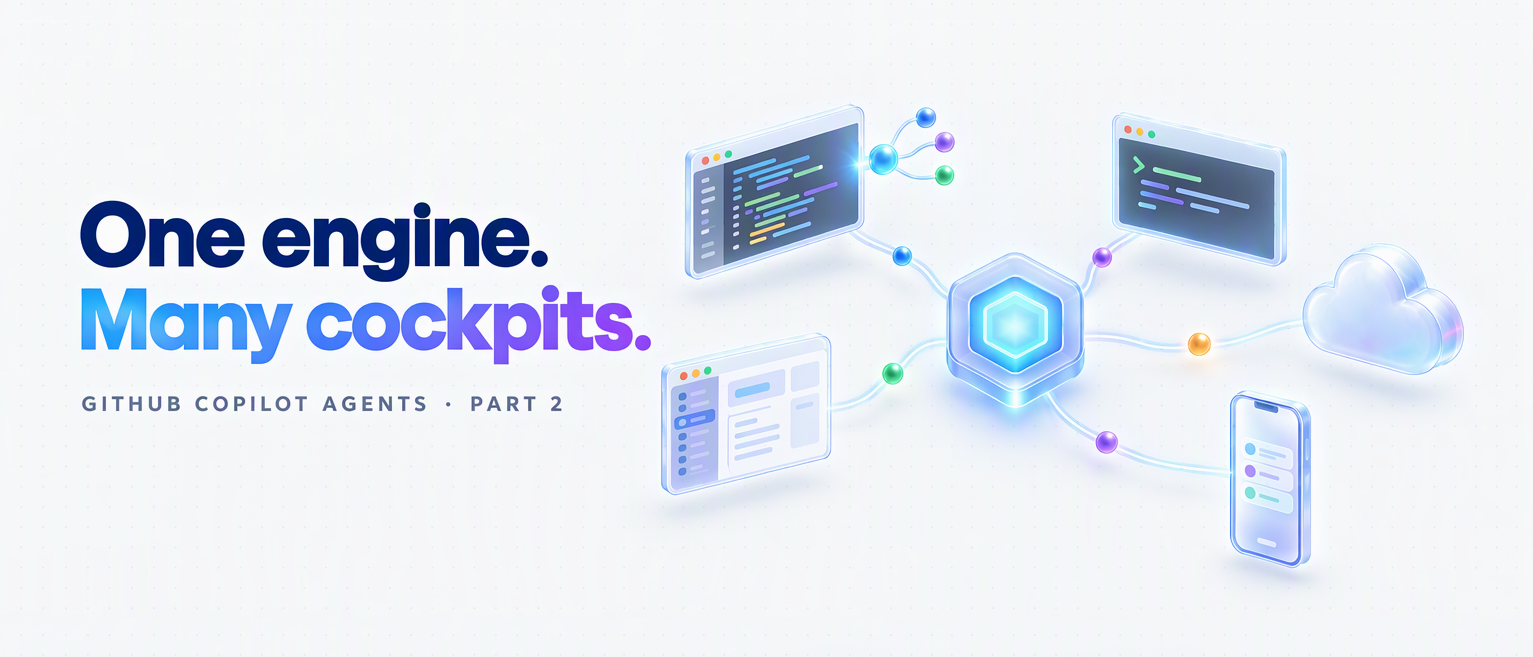
The better mental model is one Copilot engine with many cockpits, alongside other providers’ harnesses. This post is a November 2026 snapshot, checked against the primary sources on 3 November, covering VS Code 1.144 and GitHub’s 28 October cloud rollout.