AI Agents Exploit Leaked Keys in Minutes: Go Keyless on Azure
TL;DR
A recent threat intelligence report describes an AI agent moving from searching GitHub for application secrets to exfiltrating Azure Key Vault data in five minutes. That’s one observed case, not a typical benchmark.
Use managed identities and federation instead of stored credentials, then disable key authentication once callers have migrated. Tokens can still be stolen, so least privilege, monitoring and incident response remain essential.
I spend a lot of my time in the layer between AI agents and the things they call. A model key in an app setting can look like a harmless shortcut during a proof of concept, but the gap between a leak and the response is getting harder to defend.
In a hurry? Jump to the keyless playbook or the nine checks before release, then come back for the threat and the tradeoffs. The product guidance below was checked on 15 November 2026.
What the threat intelligence report found
On 5 November, Microsoft Threat Intelligence reported that threat actors were using agentic tooling to search public GitHub repositories for exposed credentials, including application secrets and AI inference API keys. The agents analysed the results and carried out follow-on actions with little human intervention.
A stolen model key can fund someone else’s inference, while an exposed application secret can open whatever its identity is permitted to reach.
Microsoft observed large volumes of targeted searches from August 2026. In subsequent activity from 28 October, the agents signed in as service principals across multiple tenants, including customers of a vendor whose multitenant application credential was compromised at the source. They enumerated resources and targeted operations that return credentials, including storage account keys, application settings, connection strings and AI connections.
The agents also searched Azure DevOps, accessed Key Vault and Storage, and used VM Run Command. In one case, the journey from searching GitHub for client secrets to exfiltrating Key Vault data took five minutes. Elsewhere in the campaign, failed Azure Resource Manager calls were retried with supported API versions after roughly 28 to 80 seconds.
sequenceDiagram
    accTitle: A composite view of the reported credential abuse
    accDescr: An attacker searches public GitHub for a client secret, signs in as an application, discovers Azure resources, then reads data from Key Vault.
    participant AG as Attacker agent
    participant GH as Public GitHub
    participant EN as Microsoft Entra ID
    participant ARM as Azure Resource Manager
    participant KV as Azure Key Vault
    AG->>GH: Search for exposed application secrets
    GH-->>AG: Credential found
    AG->>EN: Authenticate as the application
    EN-->>AG: Access token
    AG->>ARM: Discover resources and permissions
    AG->>KV: Access data permitted to the application
    KV-->>AG: Data exfiltrated
This is a composite of the reported steps, not a claim that every step occurred in the five-minute case. The timing starts with the GitHub search, not with the original leak.
Microsoft has also reported ARTEX being used in different campaigns. Storm-0940 used ARTEX during a supply chain compromise, with several attacks reaching privileged cloud access in under three hours. Storm-3358 used it against financial organisations, combining it with conventional tools and vulnerabilities such as server-side request forgery (SSRF).
ARTEX is an open-source penetration testing framework, not malware by definition. The defensive problem is that the same automation can be turned against real organisations.
Why AI credentials matter
Microsoft observed repeated interest in credentials for AI services, including API keys and OAuth applications with access to Foundry Tools.
A Foundry resource key is a shared credential with coarse access and no per-user identity. It doesn’t pass through Entra authentication or its Conditional Access policies. A client secret, by contrast, can be exchanged for an Entra token representing the application; the resulting access depends on its permissions and applicable policy.
Don’t assume every provider key has the same scope. For example, the Claude Platform supports API access to Managed Agents endpoints as well as model APIs, while Foundry’s agent service requires Entra ID. Check the actual provider, endpoint and key type.
The listKeys trap
Some roles recommended for Foundry access can also retrieve resource keys. The current built-in role definitions show the difference:
- Cognitive Services User and Foundry User, formerly Azure AI User, include
accounts/listkeys/action. - Cognitive Services Contributor includes it as part of broader management permissions.
- Cognitive Services OpenAI User doesn’t include that action in its own role definition.
This applies when the assignment’s scope covers the Foundry account. A separate or inherited role can still grant key access even if a role listed above doesn’t. Review effective permissions, not just one assignment.
Cognitive Services OpenAI User is a useful starting point for Azure OpenAI callers, but it isn’t an inference-only role: its data actions cover other OpenAI operations too. For a narrower custom role, select the actions your deployment actually needs and test them. Microsoft’s Foundry keyless guide shows Microsoft.CognitiveServices/accounts/MaaS/* as an example for model-as-a-service access; it isn’t a universal replacement for the OpenAI data actions.
While key authentication is enabled, an identity that can list keys may be able to obtain another usable credential. Disabling local authentication removes that key-based route into the resource once the change has propagated. It doesn’t remove excessive RBAC permissions or make an already compromised identity safe.
The wider move towards identity
The same theme is showing up outside Azure. Anthropic’s IP allowlisting is in beta for covered Claude Platform and Managed Agents endpoints. It limits where a key or federated token can be used, but not how long a stolen key remains valid. Anthropic recommends short key expiry or workload identity federation as well. Its Claude Enterprise allowlist is a separate control for the covered enterprise apps.
OpenAI’s GPT-6 Cyber system card describes restricted Daybreak Red access with identity verification and organisational controls including single sign-on, MFA and API IP allowlisting. These are useful guardrails, not a substitute for protecting the credential itself.
The IETF’s AI Identity Management System draft is an informational work in progress. It proposes a unique WIMSE identifier for each agent, expiring credentials and keeping those credentials away from the model. It calls static API keys an antipattern for agent identity.
Why rotation isn’t enough
If a credential is exposed, revoke or rotate it and investigate immediately. Deleting a commit alone doesn’t invalidate the credential, and copies can remain in history, caches, archives or logs. Keyless doesn’t mean a workload has no credentials anywhere: certificates, third-party keys and other secrets may still need rotation.
The difficulty is the response window. An access token issued at runtime has an audience, an expiry and an identity that can be authorised and audited. That is a better starting point than a long-lived shared string, but a bearer token can still be replayed until it expires. Token lifetimes and revocation behaviour vary by service, so don’t assume every token lasts only a few minutes or is immediately invalidated when an identity is disabled.
The keyless playbook for Azure
Here’s the pattern I’d start with for an AI workload. The exact identities and supported authentication methods depend on the host, model and tools.
flowchart TB
    accTitle: Keyless paths for an Azure AI workload
    accDescr: An application uses its managed identity to call an API Management gateway. The gateway validates the caller and uses its own managed identity to call Foundry. A pipeline deploys with OIDC. A Foundry agent uses its own identity for supported downstream tools. An external provider can use federation when supported.
    P["GitHub Actions
OIDC federation"]:::caller
    A["Application or agent host
managed identity"]:::identity
    G["API Management
validate the caller"]:::gateway
    F["Foundry model
local authentication disabled"]:::resource
    I["Foundry agent
agent identity"]:::identity
    T["Supported tool or storage
least-privilege access"]:::resource
    X["External model provider
federation if supported"]:::resource
    P -->|"deploys"| A
    A -->|"Entra token"| G
    G -->|"gateway identity"| F
    I -->|"agent identity"| T
    A -->|"federated token"| X
    classDef caller fill:#fff4c2,stroke:#b7950b,color:#000
    classDef identity fill:#cce5ff,stroke:#1f6feb,color:#000
    classDef gateway fill:#cce5ff,stroke:#1f6feb,color:#000
    classDef resource fill:#e6ffed,stroke:#2da44e,color:#000
1. Call Foundry with Entra ID
For an Azure-hosted application, attach a managed identity and assign the permissions required by the model deployment. The following Python example uses a user-assigned identity and the Azure OpenAI v1 endpoint. It follows Microsoft’s managed identity sample.
1 | # pip install openai azure-identity |
The api_key argument receives a token provider, not a stored API key. Replace the placeholders, use a deployment that supports the Responses API and configure a custom subdomain. In production, an explicit ManagedIdentityCredential avoids unexpectedly choosing a different credential from a broader discovery chain. For local development, use a developer credential instead.
Microsoft’s Foundry v1 examples request https://ai.azure.com/.default. The API Management example below requests https://cognitiveservices.azure.com as its managed identity resource. Use the audience documented for your endpoint and verify the actual request path.
2. Disable key authentication and prove it
The following Bicep illustrates a new Foundry resource with local authentication disabled and a role assignment for an existing managed identity. It doesn’t create the identity or a model deployment. The principal ID is the identity’s object ID, not its client ID.
1 | param foundryName string |
Use a valid, available custom subdomain name. For an existing resource, incorporate the setting into its full infrastructure definition or use the documented update method. Don’t deploy an abbreviated example over a production resource without reviewing its existing settings.
The built-in Azure AI Services key access policy checks both Cognitive Services accounts and Azure AI Search. Start in audit mode to find existing resources:
1 | az policy assignment create \ |
After migrating callers, set the property on existing resources and consider the Deny effect to prevent new drift. Deny doesn’t remediate resources already deployed.
The control-plane setting isn’t an immediate cutoff. Microsoft says gateway configuration usually propagates in minutes but can take several hours. Check the property, confirm an Entra request succeeds, and verify that a previously working key against the same endpoint now receives HTTP 401. A wrong endpoint or an already invalid key can also produce a failure, so those checks belong together.
Handle an exposed key as an incident rather than waiting for migration. Plan any required key regeneration using the supported operations and don’t re-enable local authentication just to rotate keys.
For Storage, allowSharedKeyAccess: false rejects account and service SAS as well as Shared Key requests. A user delegation SAS for Blob Storage can still work because it’s backed by Entra ID. Check dependent services first: disabling Shared Key can break workloads such as Azure Cloud Shell storage and some Azure Files access paths.
3. Put a gateway in the middle
API Management can validate the caller’s Entra token and use its own managed identity for the Foundry request. Enable that identity and grant it the appropriate role on the model resource. This is an inbound policy excerpt, not a complete API configuration:
1 | <inbound> |
Configure the named values, API audience, backend and any required app roles or scopes. If you don’t want a separate API Management subscription key, disable that requirement only after the Entra policy protects the relevant operations. Review inherited policies and restrict direct access to Foundry so callers can’t bypass the gateway.
The backend sees the gateway identity, not automatically the original caller. Record the validated caller identity and correlation ID at the gateway if you need per-agent attribution, and don’t log bearer tokens. Quotas and usage logging also need explicit policies.
4. Federate your pipelines
GitHub Actions can exchange an OpenID Connect token for Azure access through a federated credential on an Entra application or user-assigned managed identity. The identifiers below aren’t client secrets, even though they’re stored in GitHub Secrets:
1 | jobs: |
Configure the federated credential before running the job, and restrict its issuer, audience and subject to the intended repository and branch or environment. An environment-based subject doesn’t itself restrict the branch, so use GitHub environment protection rules where needed. Check GitHub’s current subject format rather than assuming every repository uses the same one.
5. Give agents their own identities
Microsoft Entra Agent ID represents an agent instance with its own identity under an agent identity blueprint. Credentials are configured on the blueprint, not stored as a client secret on each agent identity. Microsoft recommends federation with managed identities or certificates rather than client secrets for production blueprints.
The current Foundry agent model provisions a unique blueprint and identity for an agent’s default instance. The blueprint has a service-managed federated credential, and the new agent identity starts without downstream permissions. Grant only the access each supported tool needs. Other tool connections can use a project managed identity or a delegated user identity instead, so check the actual authentication mode.
Give each agent an owner and sponsor, and use a distinct identity where the platform supports it. A Conditional Access policy targeting a blueprint applies to its agent identities, but delegated calls are evaluated against the user. Disabling a blueprint prevents new authentication by its identities; already issued tokens can remain valid until expiry.
Conditional Access for agents requires Microsoft 365 E7, or Microsoft Agent 365 paired with Entra ID P1 or Microsoft 365 E3. Risk-based agent policies require the additional licensing described in Microsoft’s guidance. The default inactivity policy needs no licence, but it is a preview feature. Once enabled, it notifies at 60 days, disables at 90 and deletes at 455 days of inactivity. Exclude genuinely seasonal agents where appropriate.
6. Stop new secrets being created
Entra application management policies can block new passwords and symmetric keys on applications and service principals, with managed exceptions. In the Entra admin centre, look under Enterprise apps and Application policies for Block password addition. This doesn’t revoke secrets that already exist.
For automation, Microsoft’s Graph example uses the beta endpoint. Read the current policy first and preserve any existing restrictions in both collections:
1 | PATCH https://graph.microsoft.com/beta/policies/defaultAppManagementPolicy |
Catch mistakes before and after a push too. GitHub scans public repositories for supported secrets, and push protection can block supported secrets before they land. Eligible enterprises can enable public monitoring for credentials associated with their people in public repositories beyond those they own.
Give coding assistants the same rules in AGENTS.md or .github/copilot-instructions.md: don’t write secrets into code or tests, use managed identity for deployed Azure workloads, and use the supported agent identity creation path when an agent needs its own identity.
7. When a provider only takes keys
If the provider supports workload identity federation, use it. The Claude Platform’s Azure guide describes exchanging an Entra token from a managed identity for an Anthropic token bound to a service account. It requires an audience app registration and federation rules that match the intended issuer, audience and identity. The upstream managed identity token can live longer than the provider token, so protect both.
For a provider that only accepts static keys, keep the key in Key Vault and let a gateway inject it from a Key Vault-backed named value. Restrict provider access to the gateway’s egress addresses where supported, and set expiry, spending limits and alerts. An allowlist containing a shared proxy is weaker: someone with the leaked key may be able to use that proxy too.
Claude on Microsoft Foundry is a Foundry deployment; the Claude Platform IP allowlist doesn’t cover that path. Apply the controls supported by the actual endpoint.
Spotting abuse in the logs
Microsoft’s report is also a useful detection guide. Start with failed and successful service principal sign-ins, unexpected token requests across multiple resources, and unusual Key Vault secret reads. Default tool user agents can provide context, but they are easy to change and shouldn’t be a blocking rule by themselves.
This Defender XDR hunting query looks for one source address with mixed results across at least three service principals in an hour:
1 | EntraIdSpnSignInEvents |
The table requires Entra ID P2. An empty result without the required data isn’t evidence of safety. This query groups events; it doesn’t prove that a failure preceded a success or that both involved the same application. Investigate the sequence and account for legitimate shared egress addresses and expired credentials.
Microsoft also suggests decoys and other deception controls. Used carefully, they can give defenders a useful signal while drawing automated activity away from real assets.
Nine checks before release
- A previously working key fails after the Foundry setting propagates, while an Entra request to the same endpoint succeeds.
- Each caller has the correct endpoint, token audience and resource permissions. Role assignments can take time to propagate.
- Effective permissions are reviewed, including inherited roles and
listkeysaccess. Use the narrowest role that supports the required operations. - Production code uses a deliberate credential, such as
ManagedIdentityCredential, and doesn’t expose tokens to the model. - Existing client secrets have been inventoried and removed or governed. Block new password additions where the organisation is ready.
- Storage dependencies have been checked before disabling Shared Key, including account and service SAS.
- Pipelines use restricted federation, with protected environments or branches as appropriate.
- Each supported agent has an accountable owner, sponsor and appropriately scoped identity. Test Conditional Access and lifecycle policies with their licensing and preview limitations in mind.
- Sign-in and resource diagnostics are available before cutover, with alerts and an incident response path for suspicious activity.
My take
The ARTEX reports change the maths on a model key kept in an app setting “just for now”. One observed attacker got from a GitHub search to Key Vault data in five minutes. Rotation is still necessary when something leaks, but it can’t be the only defence.
Keyless moves risk rather than removing it. A compromised host, or SSRF against an exposed local token endpoint, can still put a managed identity token in the wrong hands. Network controls, least privilege and monitoring still matter. Conditional Access coverage and licensing also differ between agent identities, user-delegated access and managed identities.
If I had one week, I’d audit AI resources that still accept keys, move the highest-risk callers to managed identities, disable local authentication where the dependencies are ready, and prove both the token and key paths. Then I’d start the next agent with an identity and an owner from day one.
Key takeaways
- Microsoft observed one agent go from a GitHub secret search to Key Vault data exfiltration in five minutes.
- Replace stored credentials with managed identities and federation where supported, then disable the old authentication path.
- Review effective RBAC permissions: some Foundry roles can list resource keys, and inherited assignments still count.
- A gateway’s backend identity isn’t automatically the original caller’s identity. Preserve attribution in gateway logs without recording tokens.
- Treat agent identity, lifecycle, licensing and detection as part of the rollout, not an afterthought.
References
- Microsoft Threat Intelligence, Threat actors use agentic AI tooling to find and abuse exposed secrets
- Microsoft Security Research, Storm-0940 uses ARTEX in a supply chain compromise
- Microsoft Learn, Azure built-in roles for AI and machine learning
- Microsoft Learn, Configure keyless authentication for Foundry Models
- Microsoft Learn, Disable local authentication in Foundry Tools
- Microsoft Learn, Prevent Shared Key authorisation for Azure Storage
- Microsoft Learn, Authenticate and authorise LLM APIs with API Management
- Microsoft Learn, Authenticate to Azure from GitHub Actions with OpenID Connect
- Microsoft Learn, Agent identity concepts in Microsoft Foundry
- Microsoft Learn, Conditional Access for agents
- Claude Platform Docs, Workload Identity Federation
- IETF, AI Identity Management System, Internet-Draft, work in progress
Related posts
- Governance for AI Agents, Part 1: identity, policy and audit beyond the credential layer.
- MCP Goes Stateless: routing and correlation at an AI gateway.
- Microsoft Foundry Cross-Region with Private Endpoints, Part 1: network isolation as another layer.
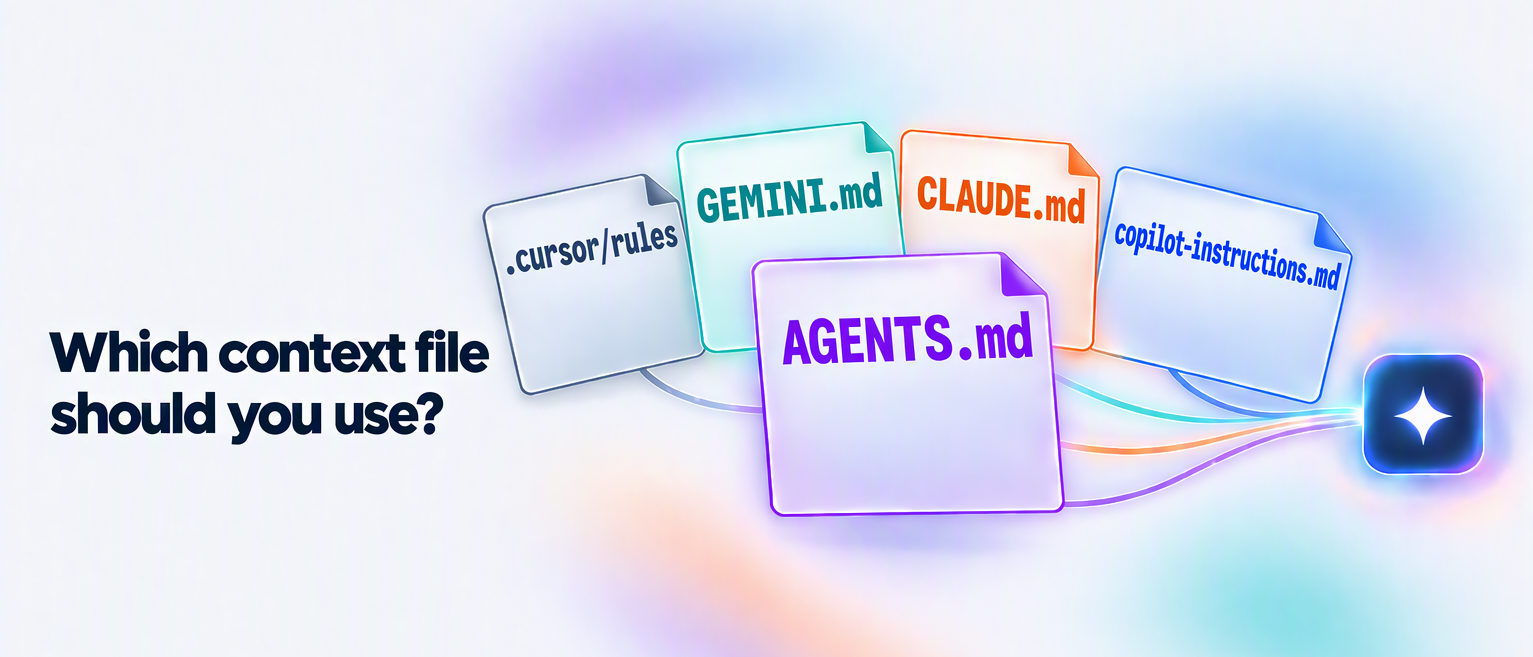
- AGENTS.md vs Copilot Instructions vs Cursor Rules vs CLAUDE.md: where to put instructions for coding agents.
Image Credits
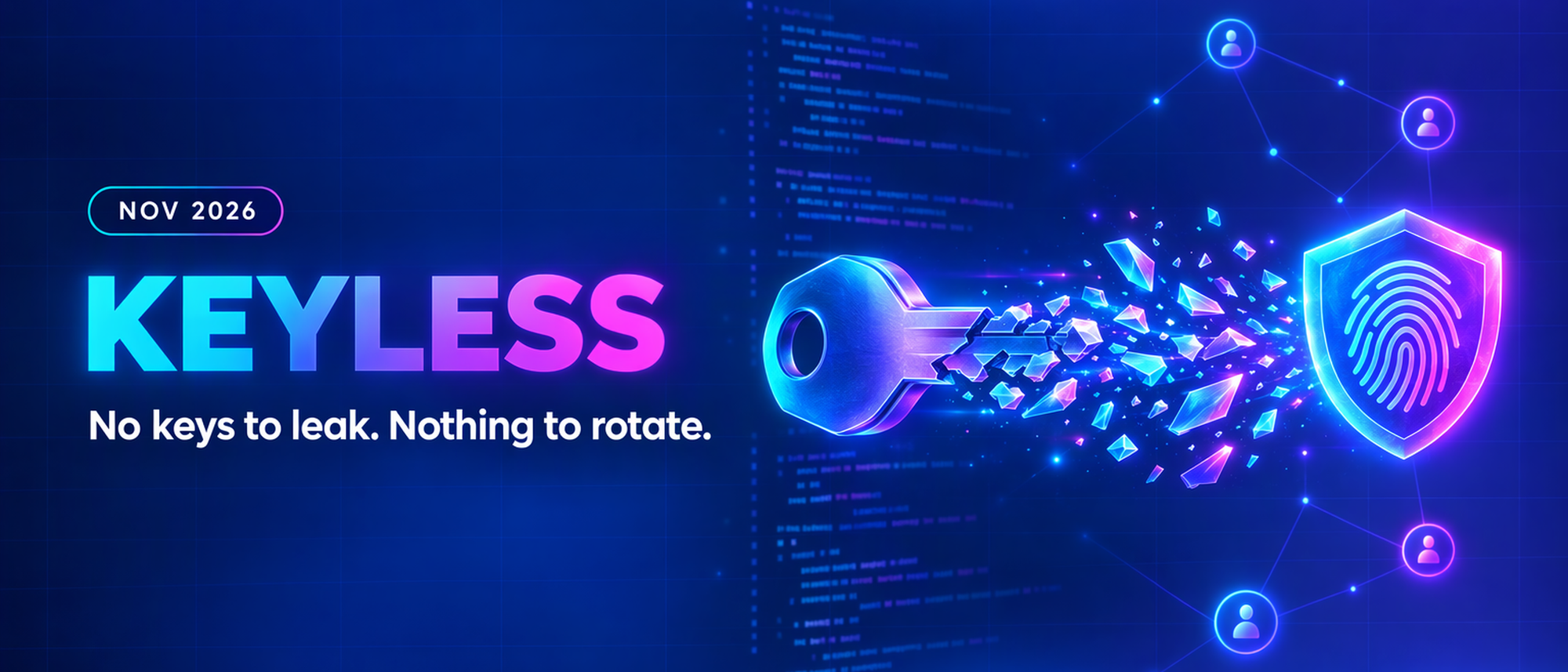
- Cover image generated by Copilot
AI Agents Exploit Leaked Keys in Minutes: Go Keyless on Azure