Preserving Custom Query String Parameters Through Azure App Service Easy Auth
🎯 TL;DR
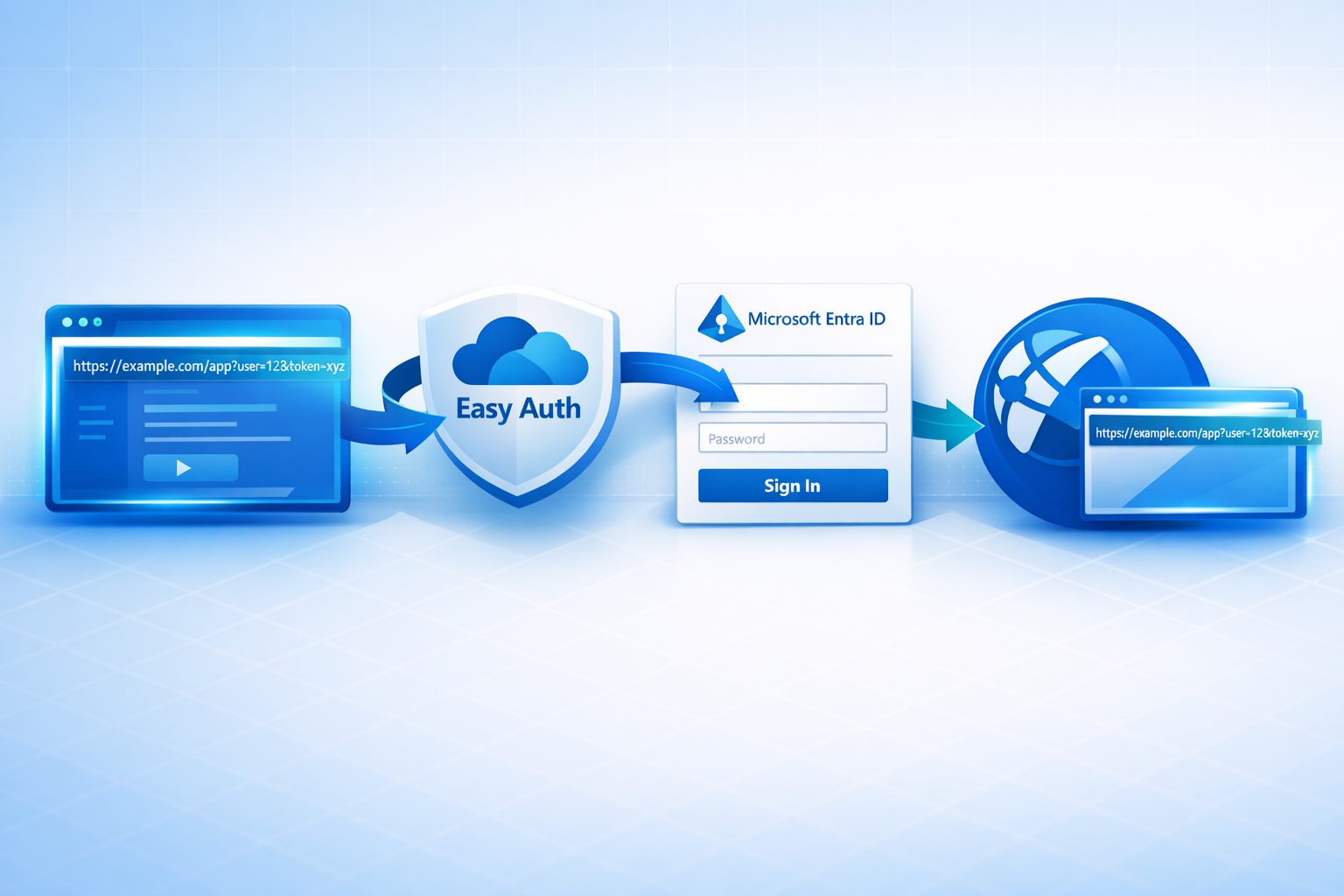
Azure App Service’s built-in authentication (“Easy Auth”) preserves the original path and query string, every custom parameter included, across the Microsoft Entra ID OAuth round trip. Your app gets the request back with the query string fully intact and zero authentication code. (URL fragments need a separate opt-in, see Gotchas.)
The mechanism is the standard OAuth 2.0
stateparameter: Easy Auth encodes the original path + query intostate, Entra echoes it back, Easy Auth302s the browser to the original URL after sign-in.Bonus finding from the captured traces: an inbound
login_hinton the request is forwarded to Entra so the sign-in page is pre-populated, nologinParametersconfiguration needed.Full reproducible scenario (Bicep + sample app + deploy scripts) in the Azure Scenario Hub: src/app-service-easy-auth. Clone,
./deploy-infra.ps1, watch the round-trip in your own browser in ~3 minutes.
A question I ran into recently:
If we put a
login_hint, arecordId, and a bunch of other custom things in the query string, and let Easy Auth redirect to Entra for sign-in, will those query string parameters come back to us after authentication? Or do we have to write code to stash them somewhere first?
The answer is yes, they come back, and no, you don’t have to write any code. Easy Auth handles it natively. This post walks through how, with HTTP traces captured byte-for-byte from a live deployment, all reproducible from the Azure Scenario Hub.