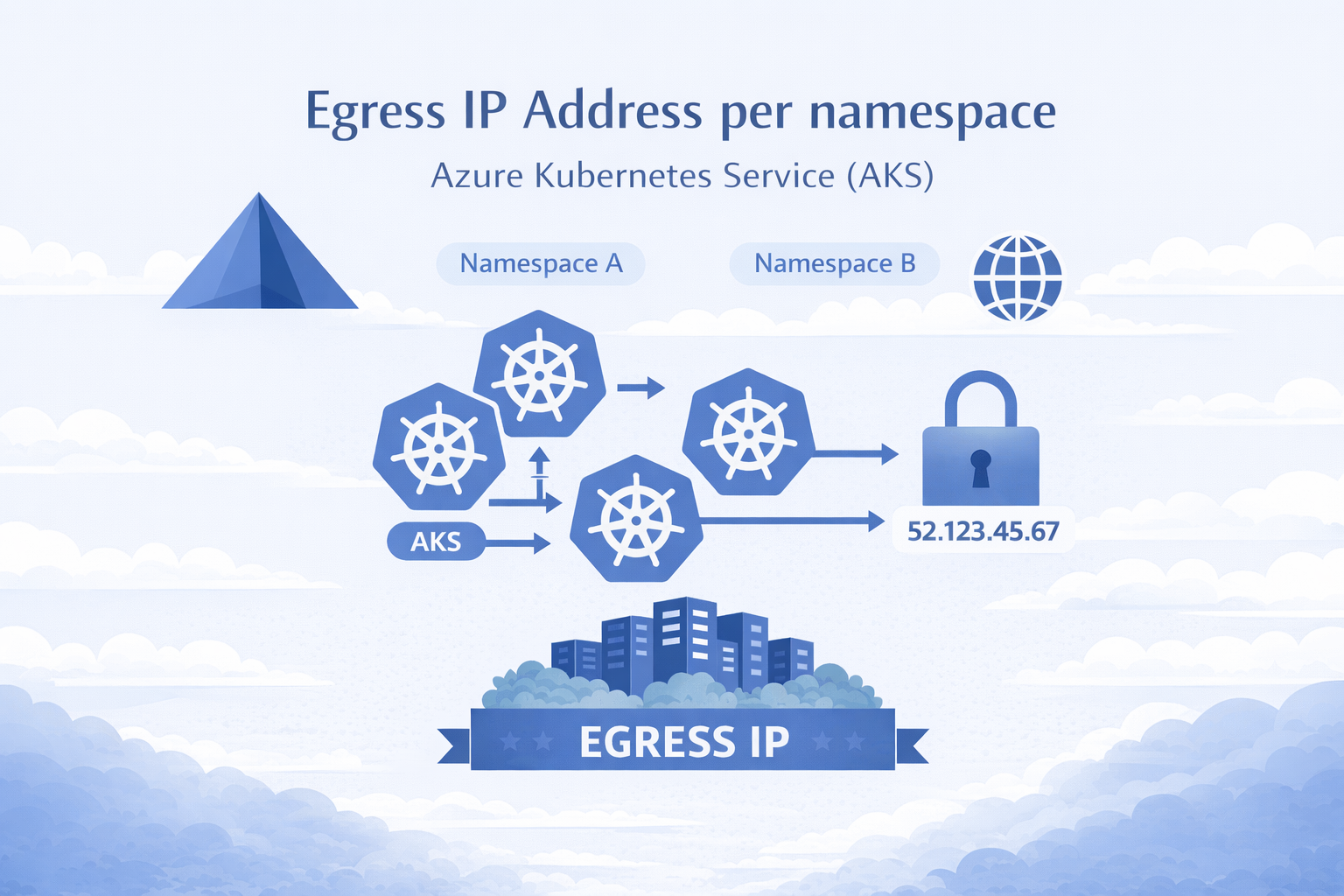
AKS Static Egress Gateway: Per-Namespace Static Egress IPs
🎯 TL;DR: Unique Static Egress IP per Kubernetes Namespace in AKS
AKS now has a native equivalent to OpenShift’s
EgressIP: Static Egress Gateway. One dedicated gateway node pool + aStaticGatewayConfigurationCRD per namespace = stable egress IPs (public or private). No more separate node pools, subnets, and NAT Gateways per namespace.Pods opt in via annotation, IPs are stable across restarts/upgrades, supports public and private egress, and layers cleanly with Azure Firewall. Requires
aks-previewCLI extension andStaticEgressGatewayPreviewfeature flag. Private IP mode requires Kubernetes 1.34+.Full working demo: github.com/Ricky-G/azure-scenario-hub/tree/main/src/aks-unique-egress-ip-per-namespace
If you’ve used OpenShift’s EgressIP CRD to assign static egress IPs per namespace for firewall allowlisting, you know how critical this is for security compliance. The first question in any OpenShift-to-AKS migration is always: “How do we get per-namespace static egress IPs?”
Until recently, you needed a separate node pool, subnet, and NAT Gateway per namespace. Ten namespaces = ten of each. It didn’t scale.
AKS Static Egress Gateway fixes this: one gateway node pool, one subnet, one CRD per namespace.
graph LR
    A["Namespace A"] --> GW["Gateway Pool"]
    B["Namespace B"] --> GW
    C["Namespace C"] --> GW
    GW -->|"Unique IP per NS"| EXT["External Services"]
Why Per-Namespace Egress IP Matters
- Firewall allowlisting: Downstream services identify traffic by source IP “Team Alpha = 10.224.0.20” is a rule your firewall team can work with
- Compliance: Regulatory frameworks require demonstrable network boundary controls
- Multi-tenant isolation: Network-level separation that extends beyond the cluster boundary
- OpenShift migration: Teams expect
EgressIPparity without it, migration stalls at architecture review
The Old Way: Per-Namespace Node Pools
1 | Namespace A → Node Pool A → Subnet A → NAT Gateway A → Egress IP A |
For 10 namespaces: 10 node pools, 10 subnets, 10 NAT Gateways (~$320/month just for NAT), 10 sets of affinity/taint rules. Doesn’t scale.
The New Way: AKS Static Egress Gateway
1 | Namespace A ─┐ |
How It Works
Enable the feature:
az aks update --enable-static-egress-gateway(requiresaks-previewCLI extension).Create a Gateway Node Pool dedicated 2+ node pool in
Gatewaymode (egress traffic only).
1 | az aks nodepool add \ |
- Create a
StaticGatewayConfigurationper namespace binds a namespace to the gateway pool and triggers IP allocation.
1 | apiVersion: egressgateway.kubernetes.azure.com/v1alpha1 |
- Annotate your pods to opt into the gateway:
1 | metadata: |
- AKS provisions the egress IP automatically public mode creates an Azure Public IP Prefix per config; private mode (
provisionPublicIps: false) allocates secondary private IPs from the gateway subnet.
Under the Hood
- CNI plugin intercepts the pod’s egress traffic
- Traffic tunnels via eBPF/WireGuard to a gateway node
- Gateway node SNATs using the namespace’s assigned egress IP
- Traffic exits with the predictable, static source IP
excludeCidrs ensures cluster-internal traffic (pod-to-pod, pod-to-service, Azure IMDS) bypasses the gateway.
Demo: 5 Namespaces, 5 Unique Egress IPs
I built a complete demo with 5 namespaces to validate this end-to-end.
Architecture
graph TD
    subgraph AKS["AKS Cluster   Azure CNI Overlay, Static Egress Gateway"]
        direction TB

        subgraph NS["Namespaces   each with StaticGatewayConfiguration"]
            A["egress-team-alpha
egress-checker → calls ipsimple
Egress IP: 20.168.88.96"]
            B["egress-team-bravo
egress-checker → calls ipsimple
Egress IP: 20.163.34.144"]
            C["egress-team-charlie
egress-checker → calls ipsimple
Egress IP: 20.171.16.241"]
            D["egress-team-delta
egress-checker → calls ipsimple
Egress IP: 20.171.54.241"]
            E["egress-team-echo
egress-checker → calls ipsimple
Egress IP: 20.171.14.129"]
        end

        GW["Gateway Node Pool
2 nodes · HA · eBPF/WireGuard
SNAT per namespace"]
        DASH["Dashboard
Polls all 5 checkers
Shows egress IPs in real-time"]
    end

    IPSIMPLE["api.ipsimple.org
Returns caller's public IP"]

    A -->|"annotated pod"| GW
    B -->|"annotated pod"| GW
    C -->|"annotated pod"| GW
    D -->|"annotated pod"| GW
    E -->|"annotated pod"| GW
    GW -->|"unique IP per NS"| IPSIMPLE
    DASH -.->|"polls via ClusterIP"| A
    DASH -.->|"polls via ClusterIP"| B
    DASH -.->|"polls via ClusterIP"| C
    DASH -.->|"polls via ClusterIP"| D
    DASH -.->|"polls via ClusterIP"| E

    style AKS fill:#1e293b,stroke:#38bdf8,color:#e2e8f0
    style NS fill:#334155,stroke:#94a3b8,color:#e2e8f0
    style GW fill:#065f46,stroke:#34d399,color:#d1fae5
    style DASH fill:#1e1b4b,stroke:#818cf8,color:#c7d2fe
    style IPSIMPLE fill:#78350f,stroke:#fbbf24,color:#fef3c7
    style A fill:#0f172a,stroke:#fbbf24,color:#fef3c7
    style B fill:#0f172a,stroke:#fbbf24,color:#fef3c7
    style C fill:#0f172a,stroke:#fbbf24,color:#fef3c7
    style D fill:#0f172a,stroke:#fbbf24,color:#fef3c7
    style E fill:#0f172a,stroke:#fbbf24,color:#fef3c7
Each egress-checker is a Python Flask app that calls IpSimple every 10 seconds to detect its public egress IP. The dashboard aggregates all 5 results:
| Namespace | Egress IP |
|---|---|
| egress-team-alpha | 20.168.88.96 |
| egress-team-bravo | 20.163.34.144 |
| egress-team-charlie | 20.171.16.241 |
| egress-team-delta | 20.171.54.241 |
| egress-team-echo | 20.171.14.129 |
Five namespaces, five unique IPs, one gateway pool, one subnet.
Public vs Private Egress
Public Mode (Default)
1 | spec: |
AKS auto-creates an Azure Public IP Prefix (e.g., /28 = 16 IPs) per StaticGatewayConfiguration. Use this for internet/external API egress.
Public Mode with BYOIP
1 | spec: |
Pre-create the Public IP Prefix for full control over the IP range. Multiple namespaces can share the same prefix.
Private Mode (Enterprise/On-Prem)
1 | spec: |
No public IPs. The controller allocates secondary private IPs from the gateway subnet. Use this for private clusters egressing to on-prem via ExpressRoute/VPN or peered VNets.
Important: Private mode requires Kubernetes 1.34+ and
--vm-set-type VirtualMachineson the gateway node pool.
Gotchas
- Egress IP prefix ≠ your cluster VNet: The /28 public IP prefixes are separate Azure Public IP Prefix resources unrelated to your node subnet, pod CIDR, or service CIDR.
- IPs are stable but not user-selectable (private mode): The controller picks automatically, but once assigned, IPs persist across restarts, upgrades, and scaling. Only changes if you recreate the
StaticGatewayConfiguration. - Opt-in via pod annotation: Only annotated pods use the gateway. Unannotated pods use normal cluster egress you can mix within the same namespace.
- Gateway nodes are VMs, not VMSS:
LoadBalancerservices can fail if gateway nodes join the backend pool. UseClusterIP+kubectl port-forwardor an Ingress controller. - Always set
excludeCidrs: Include10.0.0.0/8,172.16.0.0/12,169.254.169.254/32to prevent breaking pod-to-pod communication and Azure IMDS access.
OpenShift EgressIP vs AKS Static Egress Gateway: A Direct Comparison
For teams coming from OpenShift, here’s how the features map:
| Feature | OpenShift EgressIP | AKS Static Egress Gateway |
|---|---|---|
| CRD to assign egress IP | EgressIP on namespace | StaticGatewayConfiguration + pod annotation |
| Granularity | Per namespace | Per namespace or per pod |
| Dedicated egress nodes | No (uses worker nodes) | Yes (gateway node pool) |
| Public IP support | Limited | Full (auto or BYOIP) |
| Private IP support | Yes (node IPs) | Yes (provisionPublicIps: false) |
| HA / failover | Auto-reassignment | Dedicated pool (2+ nodes) |
| IP sharing across namespaces | Not natively | Yes (via shared publicIpPrefixId) |
| Multiple IPs per namespace | No | Yes (prefix-based) |
AKS is more flexible overall per-pod opt-in via annotation, BYOIP support, and IP sharing across namespaces.
Layering with Azure Firewall
You can layer Azure Firewall on top for defense in depth:
- Each namespace gets a static egress IP via
StaticGatewayConfiguration - All cluster egress routes through Azure Firewall via UDR (
0.0.0.0/0 → Azure Firewall) - Firewall applies per-source-IP rules: network rules, application/FQDN rules, threat intelligence, TLS inspection, and IDPS (Premium SKU)
Two layers of control:
- Layer 1 (Kubernetes): Which namespace/pod → which IP
- Layer 2 (Azure Firewall): What that IP can reach
Both layers are cloud-native, managed, and integrated with Azure Monitor.
Cost Comparison
| Component | Legacy (10 namespaces) | Static Egress Gateway |
|---|---|---|
| Node pools | 10 × 1+ node each | 1 × 2 nodes (HA) |
| Subnets | 10 | 1 |
| NAT Gateways | 10 × ~$32/mo = $320/mo | 0 |
| Gateway VMs | 0 | 2 × D2s_v5 = ~$140/mo |
| Total egress infra | ~$1,020+/mo | ~$140/mo |
| Operational complexity | Very high | Low |
86% cost reduction on egress infrastructure alone.
Getting Started
Repository: github.com/Ricky-G/azure-scenario-hub/tree/main/src/aks-unique-egress-ip-per-namespace
Includes Bicep templates, Kubernetes manifests for 5 namespaces, Python egress-checker apps, dashboard, PowerShell/Bash deployment scripts, private cluster guide, and architecture review docs.
1 | .\deploy-infra.ps1 -ResourceGroupName "rg-aks-egress-demo" -Location "westus3" |
Key Takeaways
- AKS Static Egress Gateway is the native equivalent of OpenShift
EgressIP - Simpler, cheaper, and more flexible than the legacy multi-subnet approach
- Security control parity (or better) with Azure Firewall layering as a bonus
- Currently in preview ready for validation and PoC work today
- Official docs for GA timelines
References
- AKS Static Egress Gateway Documentation
- OpenShift EgressIP Documentation
- Azure CNI Overlay
- Azure Firewall Documentation
- Demo Repository Azure Scenario Hub
Image Credits:
- Main image generated by Copilot
AKS Static Egress Gateway: Per-Namespace Static Egress IPs
https://clouddev.blog/AKS/Networking/aks-static-egress-gateway-per-namespace-static-egress-ips/