AKS Static Egress Gateway: Per-Namespace Static Egress IPs

AKS Static Egress Gateway: Per-Namespace Static Egress IPs


🎯 TL;DR: Unique Static Egress IP per Kubernetes Namespace in AKS

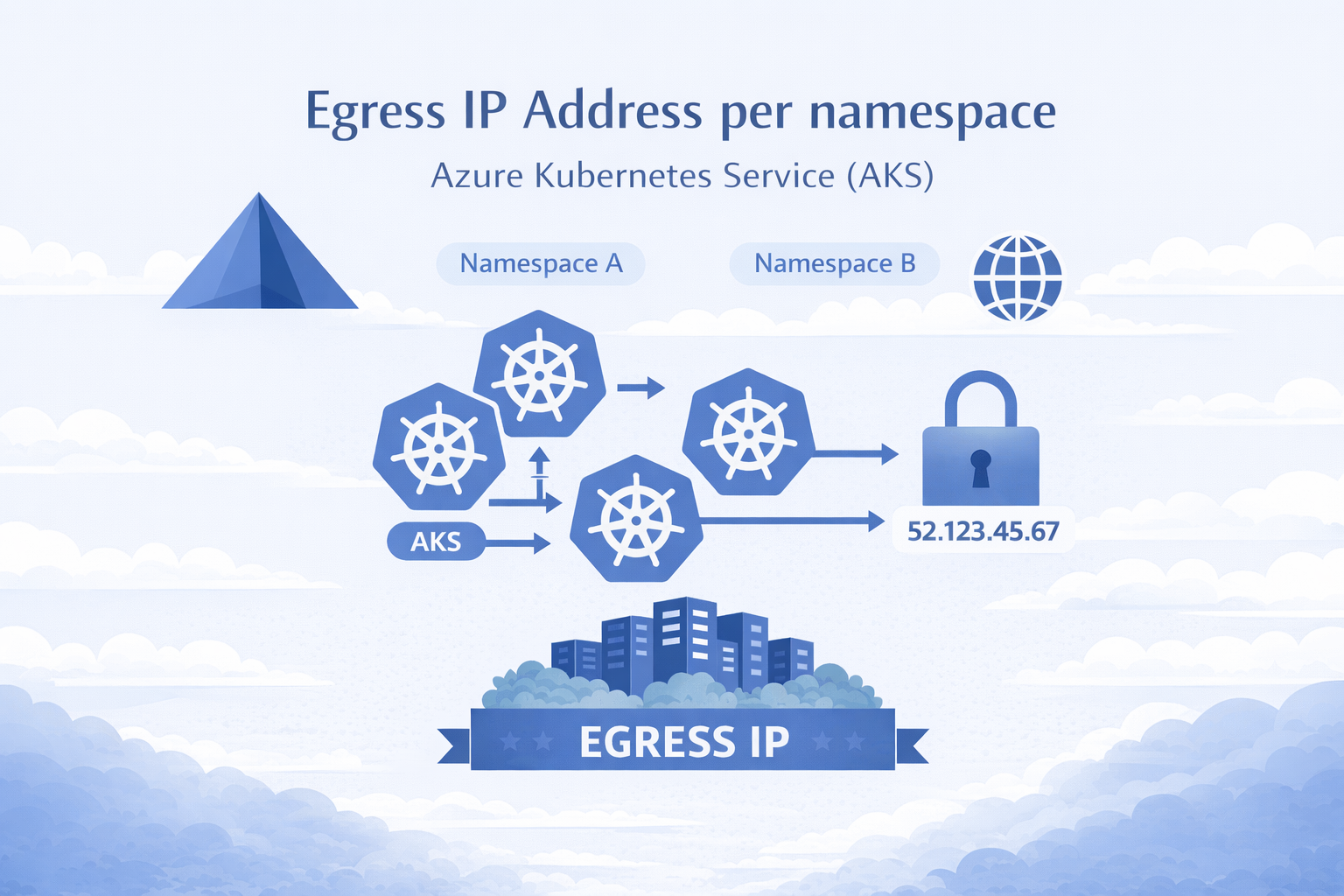
AKS now has a native equivalent to OpenShift’s EgressIP: Static Egress Gateway. One dedicated gateway node pool + a StaticGatewayConfiguration CRD per namespace = stable egress IPs (public or private). No more separate node pools, subnets, and NAT Gateways per namespace.

Pods opt in via annotation, IPs are stable across restarts/upgrades, supports public and private egress, and layers cleanly with Azure Firewall. Requires aks-preview CLI extension and StaticEgressGatewayPreview feature flag. Private IP mode requires Kubernetes 1.34+.

Full working demo: github.com/Ricky-G/azure-scenario-hub/tree/main/src/aks-unique-egress-ip-per-namespace


If you’ve used OpenShift’s EgressIP CRD to assign static egress IPs per namespace for firewall allowlisting, you know how critical this is for security compliance. The first question in any OpenShift-to-AKS migration is always: “How do we get per-namespace static egress IPs?”

Until recently, you needed a separate node pool, subnet, and NAT Gateway per namespace. Ten namespaces = ten of each. It didn’t scale.

AKS Static Egress Gateway fixes this: one gateway node pool, one subnet, one CRD per namespace.

graph LR
    A["Namespace A"] --> GW["Gateway Pool"]
    B["Namespace B"] --> GW
    C["Namespace C"] --> GW
    GW -->|"Unique IP per NS"| EXT["External Services"]
Read more
Create A Multi User Experience For Single Threaded Applications Using Azure Container Apps

Create A Multi User Experience For Single Threaded Applications Using Azure Container Apps


🎯 TL;DR: Simulating Multi-User Experience for Legacy Single-Threaded Apps

Legacy single-threaded applications (one request per process) require multi-user support without costly re-architecture. Problem: Applications with static locks block entire process during request handling. Solution: Azure Container Apps with HTTP-based scaling rules that spawn new container instances per concurrent request. Configuration uses min-replicas=0, max-replicas=30 with HTTP scale triggers, achieving 70-90% request isolation across separate container instances for pseudo-multithreaded behavior without code changes.


How to make a single-threaded app multi-threaded? This is the scenario I faced very recently. These were legacy web app(s) written to be single-threaded; in this context single-threaded means can only serve one request at a time. I know this goes against everything that a web app should be, but it what it is.

So if we have a single threaded web app (legacy) now all of a sudden we have a requirement to support multiple users at the same time. What are our options:

  1. Re-architect the app to be multi threaded
  2. Find a way to simulate multi threaded behavior

Both are great options, but in this scenario option 1 was out, due to the cost involved in re-writing this app to support multi threading. So that leaves us with option 2; how can we at a cloud infra level easily simulate multi threaded behavior. Turns out if we containerize the app (in this case it was easy enough to do) we orchestrate the app such that for each http request is routed to a new container (ie: every new http request should spin up a new container and request send to it)

Options For Running Containers

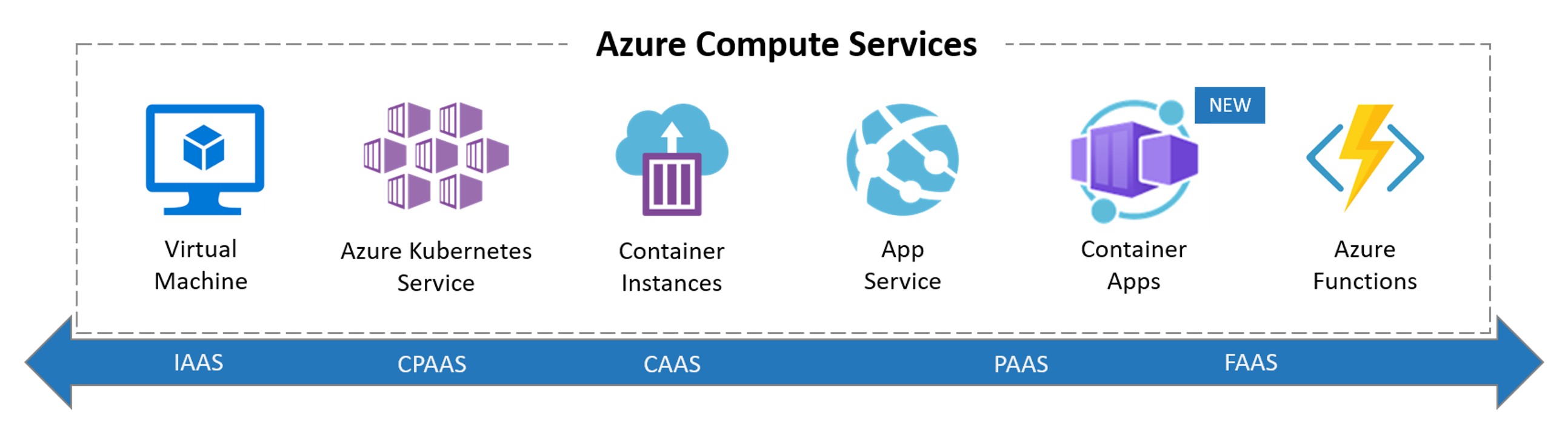
So when it comes to running a container in Azure our main options are below

Read more