The Four Types of GitHub Copilot Agents: Local, Background, Cloud, and Sub-Agents Explained
🎯 TL;DR: Four Agent Types, Four Different Workflows
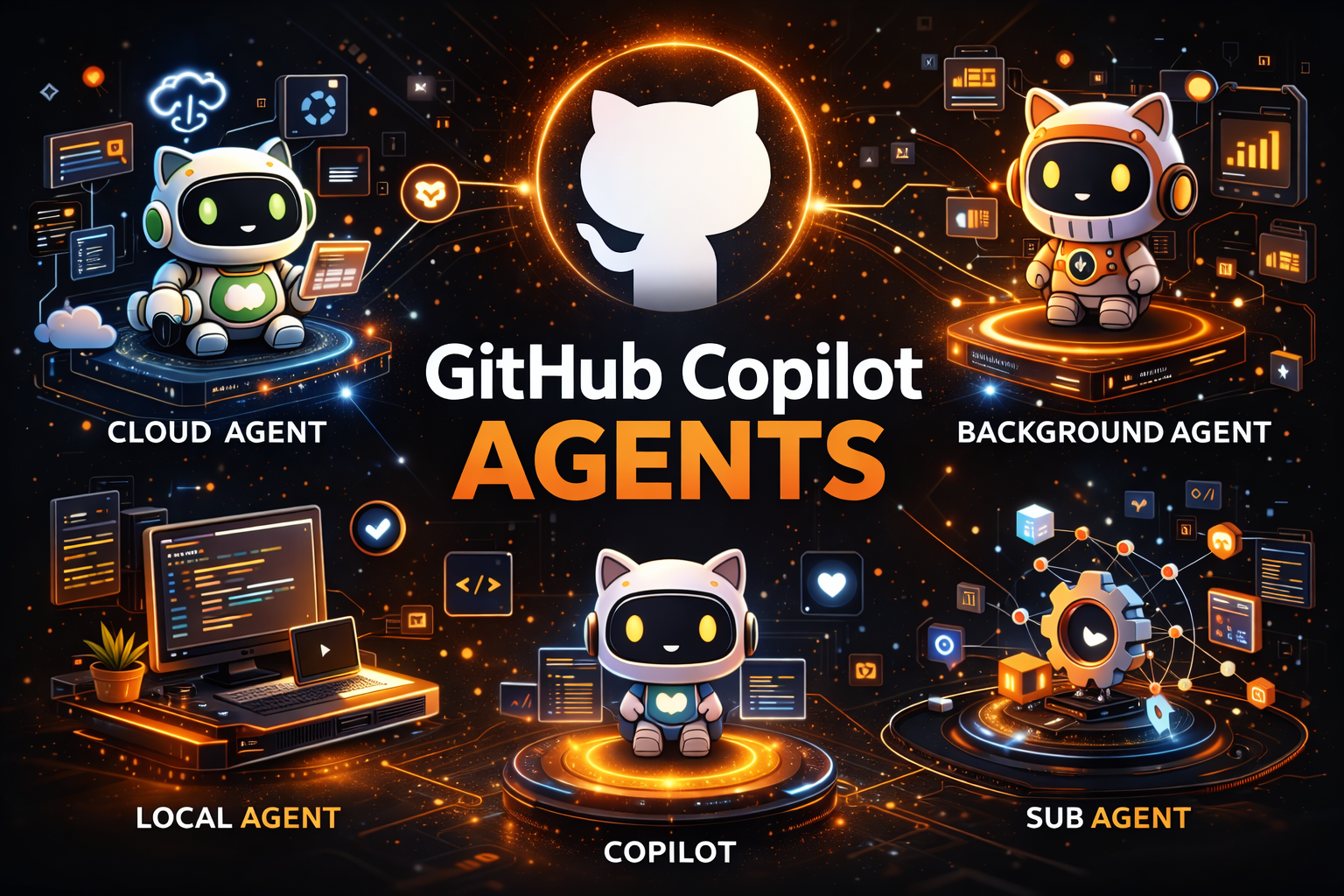
GitHub Copilot in VS Code now supports four distinct agent types, each designed for different workflows and levels of autonomy. Local Agent is your interactive coding partner, running in VS Code with full access to all your tools, MCP servers, and three personas (Agent, Plan, Ask). Coding Agent (Cloud) runs on GitHub’s cloud infrastructure via Actions runners, works fully autonomously on issues, and creates PRs while you’re away. Background Agent (Copilot CLI) runs locally but outside the VS Code process; it survives restarts, supports parallel sessions, and can hand off work to cloud agents with
/delegate. Sub-Agents are the secret weapon for context management, running as isolated subtasks within a parent agent session, keeping the main agent’s context window clean while handling research, analysis, or parallel tasks.Key insight: If you’re using a 1x premium model like Claude Sonnet 4, sub-agent calls are effectively free, making them the most cost-efficient way to scale complex multi-step workflows without burning through your premium request budget.
GitHub Copilot has evolved far beyond simple code completions. With agent mode in VS Code, developers gained an autonomous coding assistant that could plan, execute, and iterate on complex tasks. But as workflows grew more sophisticated, a single agent type wasn’t enough to cover every scenario, from quick interactive debugging to full autonomous issue resolution that runs while you sleep.
Today, GitHub Copilot in VS Code supports four distinct agent types, each optimized for different workflows, contexts, and levels of autonomy. Understanding when to use each one, and how they interact, is the difference between fighting your tools and having them work seamlessly for you.